How it works
From sign-up to a widget that updates itself.
Six steps, start to finish. No onboarding call, and nothing to maintain once it’s live.
01
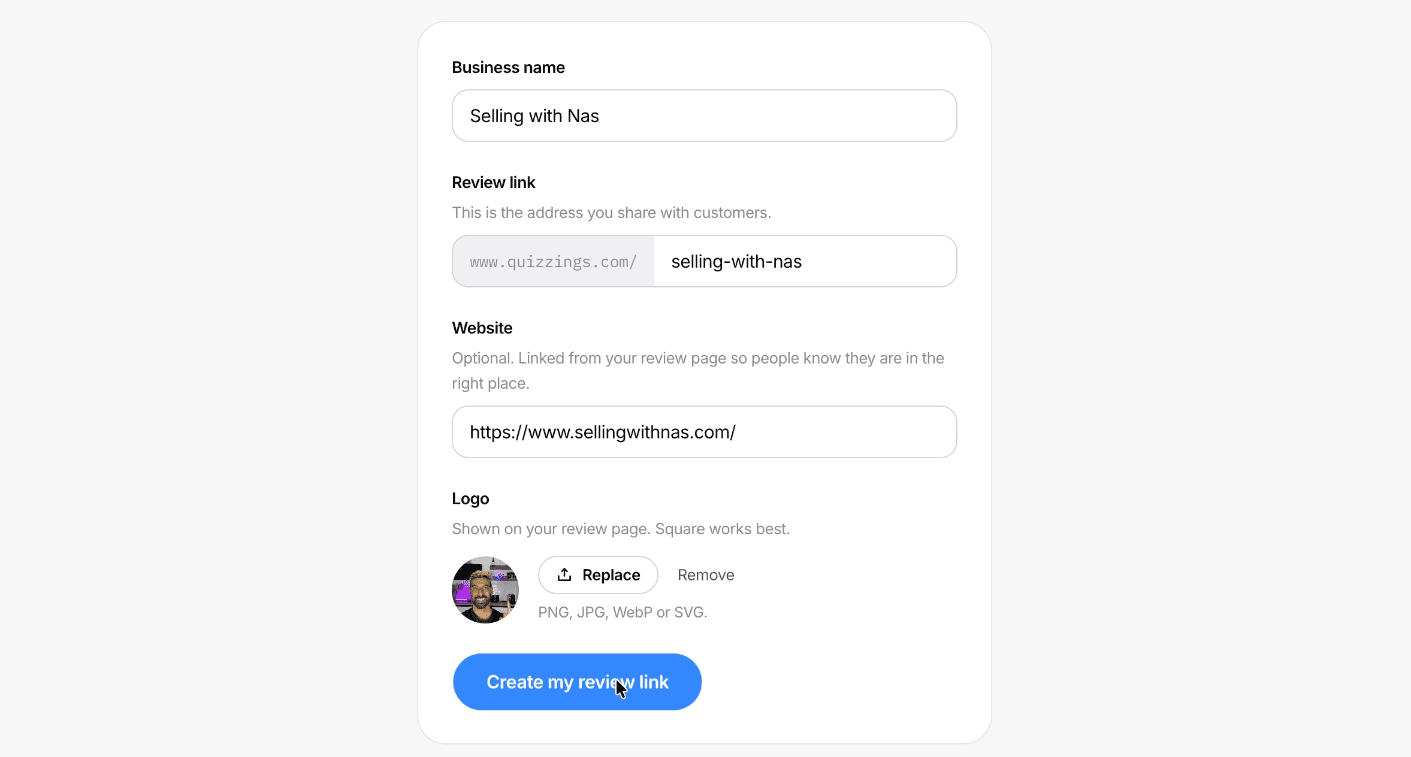
Create an account with your company's details
Sign up and tell us about your company. There's no credit card, and no onboarding call before you can start.
02
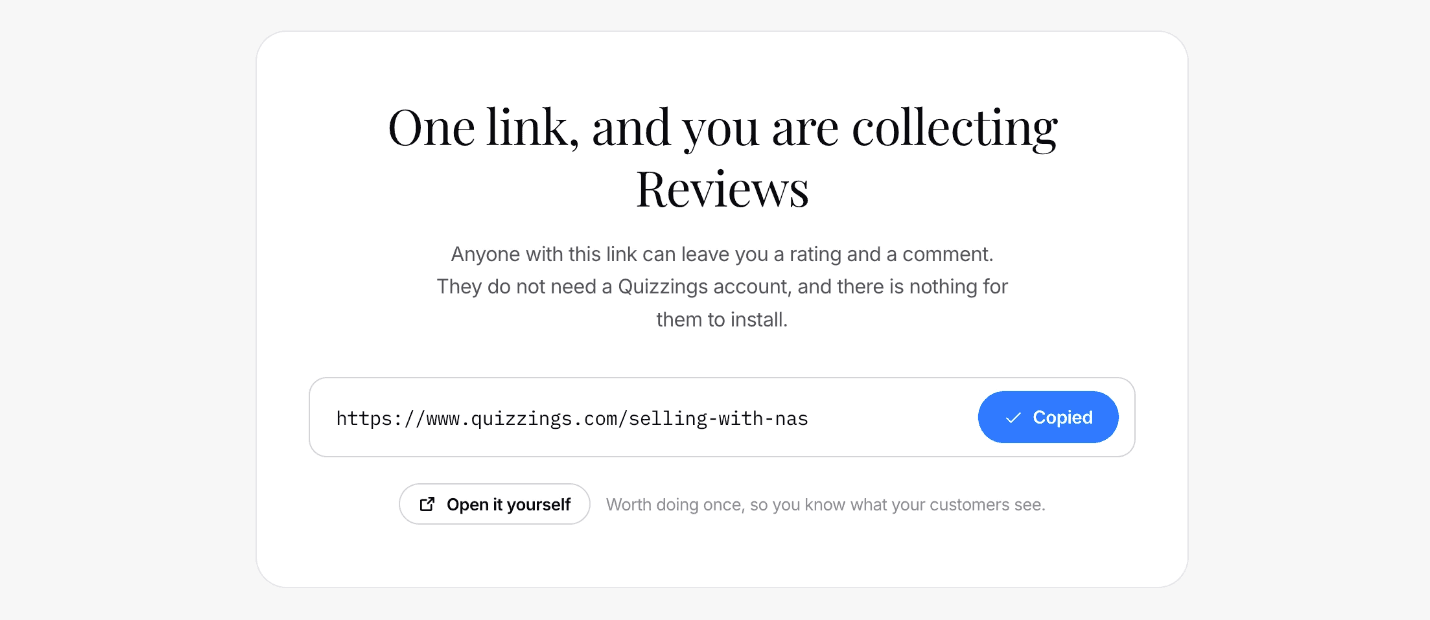
Get your unique review link
Every account gets its own link for collecting reviews. Start sharing it with the people who already use your product or service.
03
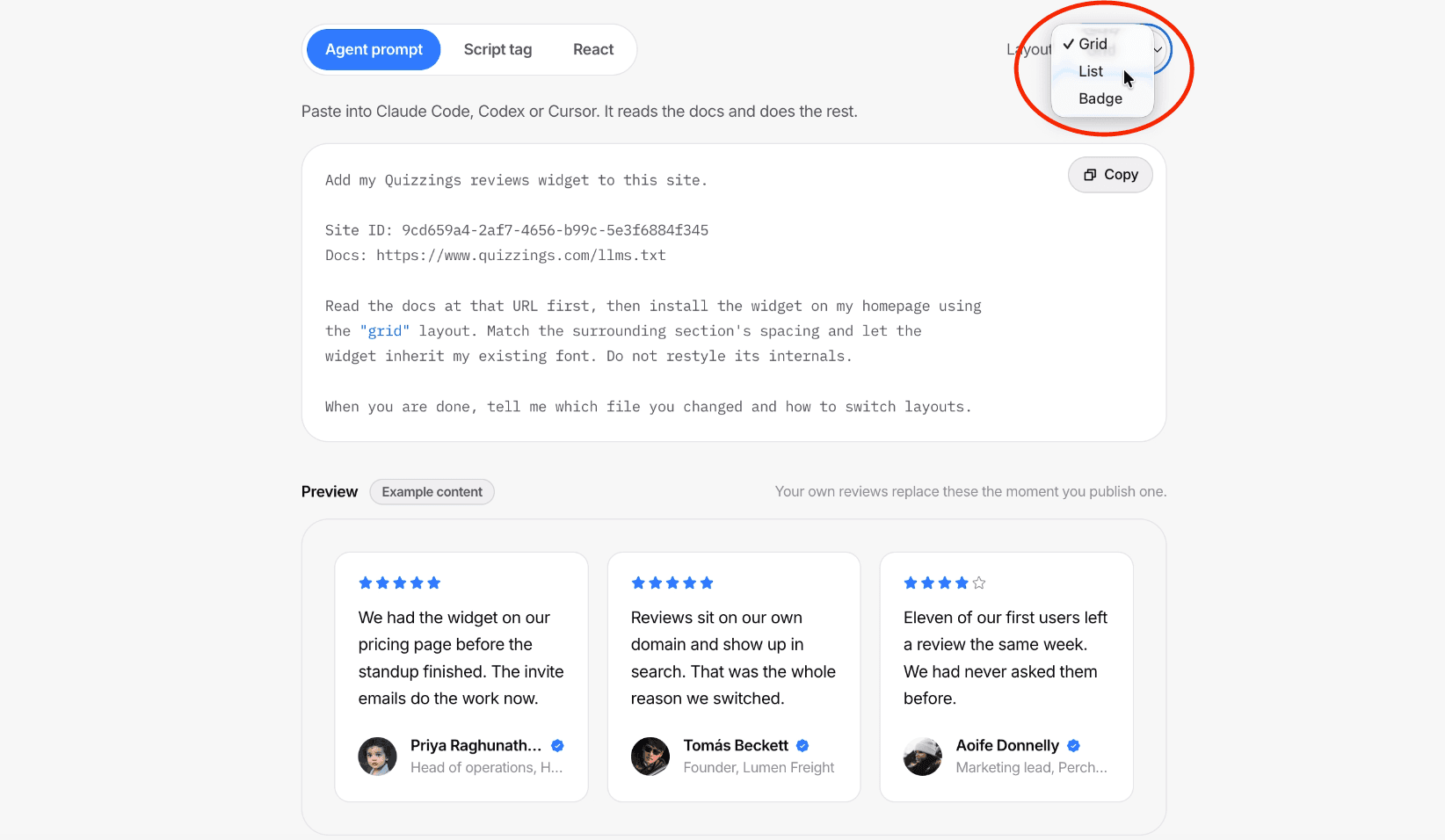
Choose how reviews display on your site
Head to the Embed page and pick a layout — grid, list, or badge — for how your reviews should look.
04
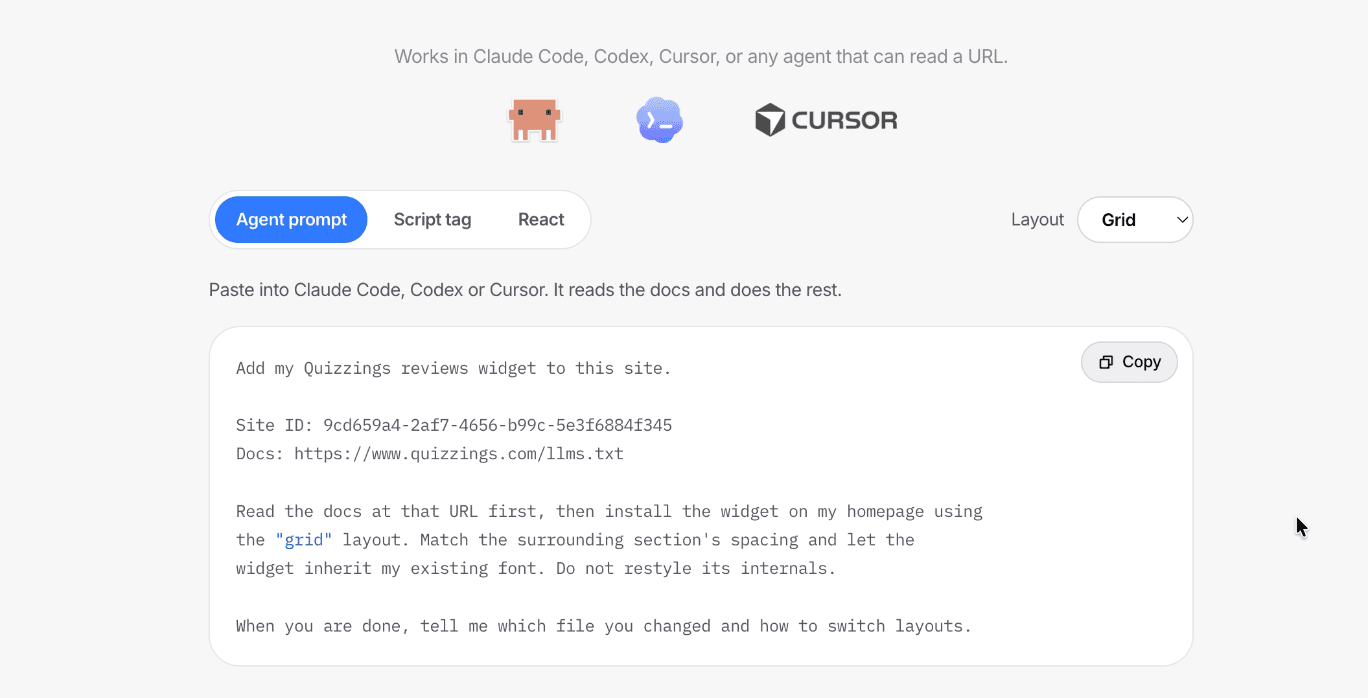
Add the Agent prompt to your coding agent
Copy the Agent prompt from the Embed page and hand it to Claude Code, Codex, Cursor, or any coding agent that can read a URL. It installs the widget for you.
05
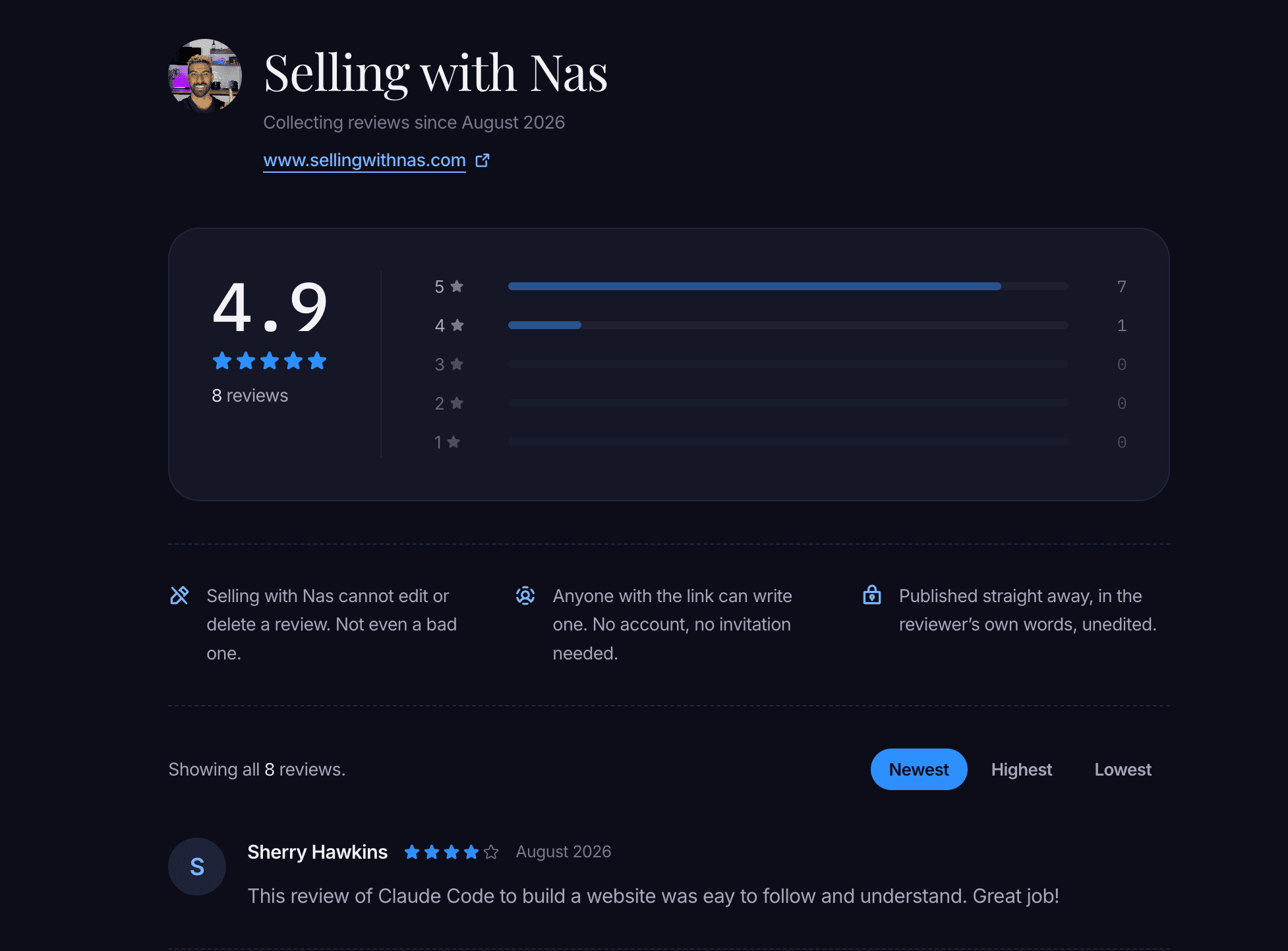
New reviews update your site automatically
Every time someone leaves a new review, your embed updates on its own. No redeploy, no re-pasting code.
06
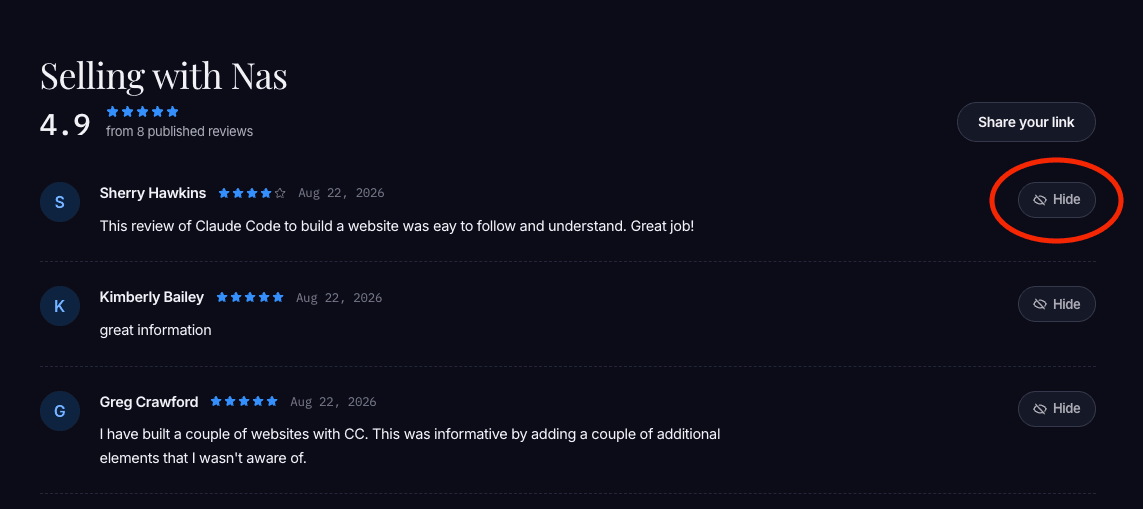
Hide anything fake
See a review that shouldn’t be there? Hide it from your public page in one click. Nothing is ever deleted, and you can bring it back at any time.
Put your customers on your homepage.
Free for your first 10 reviews. No card, no call, no contract.